backnforth
What is this?
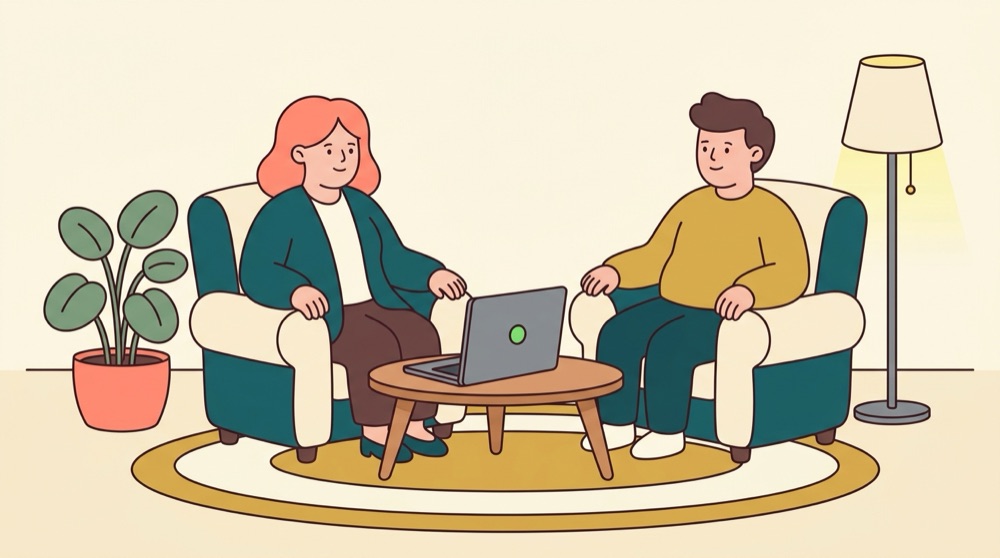
A gentle moving dot (and optional sound) that a patient follows with their eyes while you guide the session. It runs in any web browser — an old laptop, a second-hand phone, anything with a screen.
1Open it
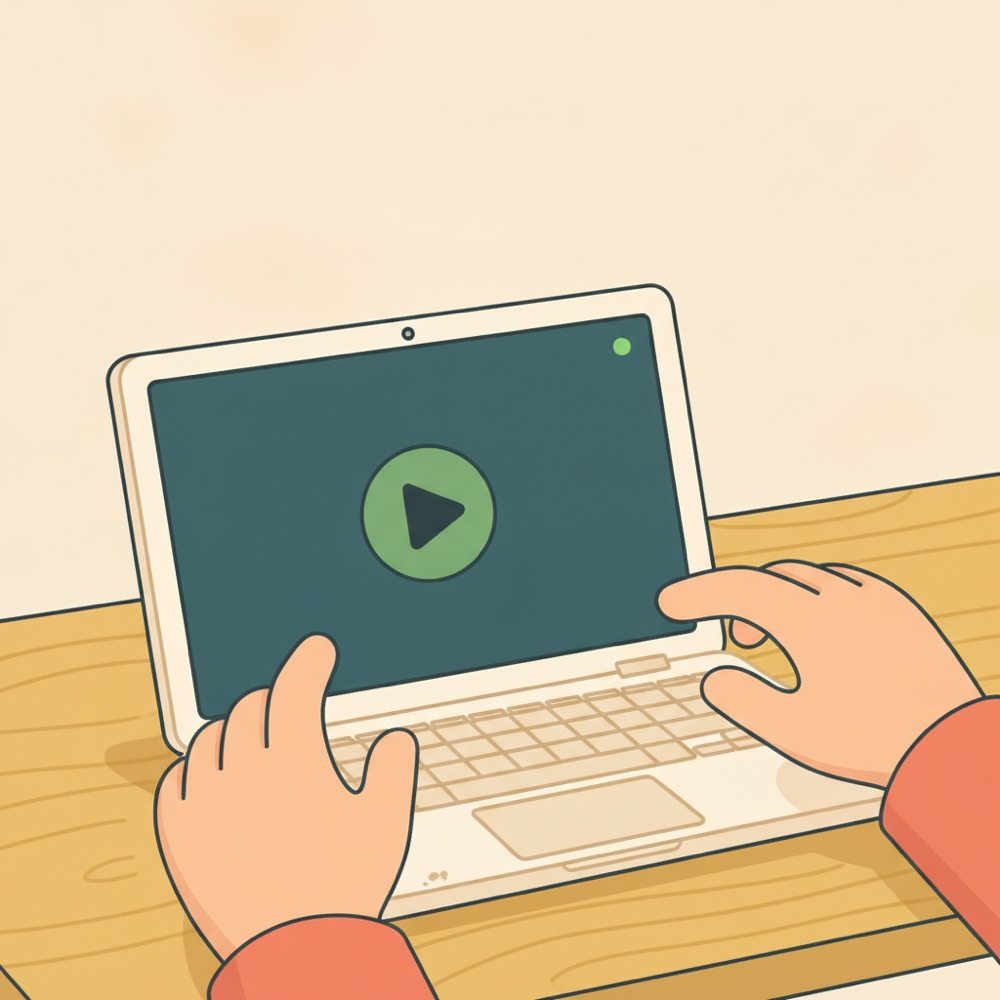
Open the site on your computer. You'll see one big green START button and a few large sliders. That's the whole cockpit.
2Give the patient a screen
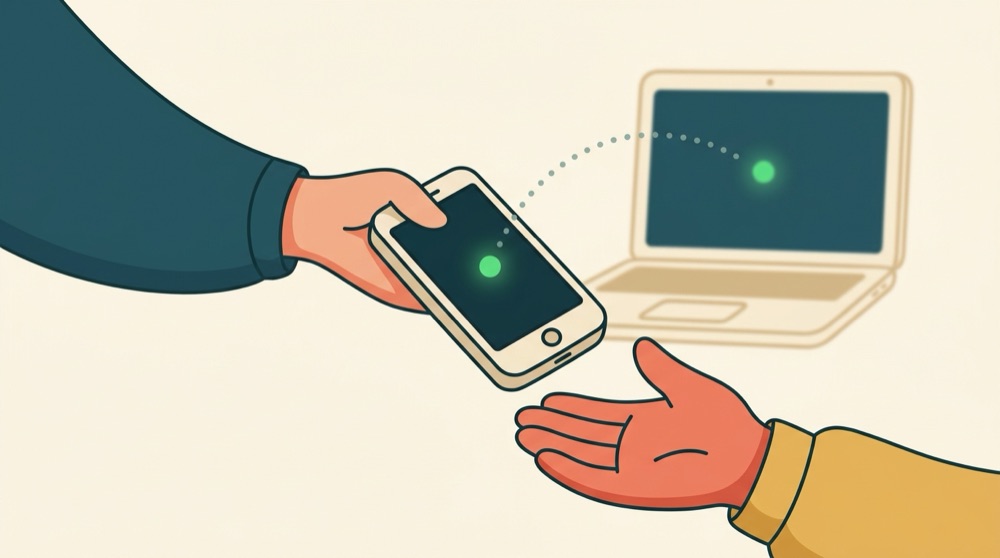
Easiest: tap Open patient screen and turn that window to face them. Or tap Copy link and open it on their phone or tablet — the two screens stay in sync by themselves.

3Press start
The dot glides left and right. The patient follows it with their eyes while you lead the session. Sound can tick from side to side too if you want it.

4Make it comfortable
Slide between turtle and rabbit until the pace feels right. Change the size, the color, the sound — the patient's screen updates instantly.

⚠️ Go gently
Ask about seizure history before showing moving or pulsing visuals. Bilateral stimulation can bring up strong feelings — this tool assists a trained clinician, it isn't therapy by itself. Pause any time; the stop button is always one tap away.